⚡ TamilPSD Pro · 14,000+ premium PSDs · 50 downloads a day from ₹189See plans →
HomeGuides📂 CategoriesAboutContact♥ Favourites
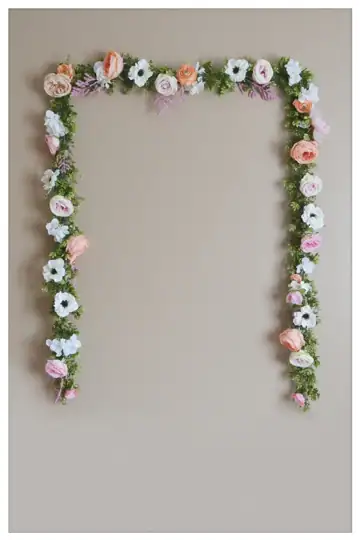
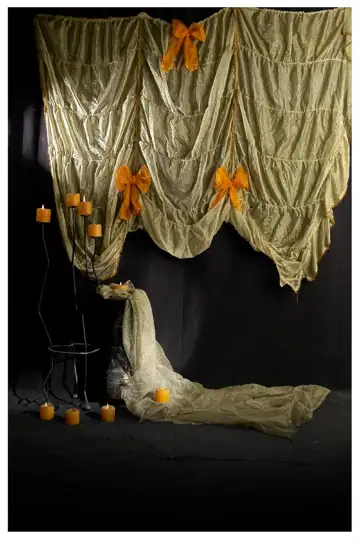
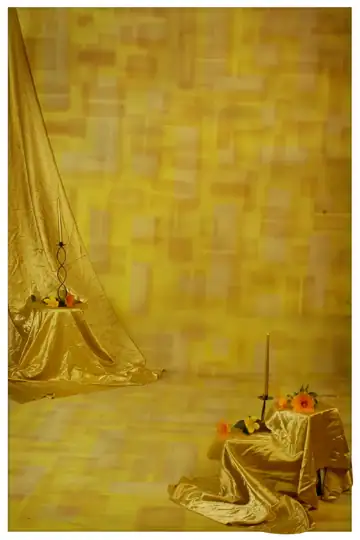
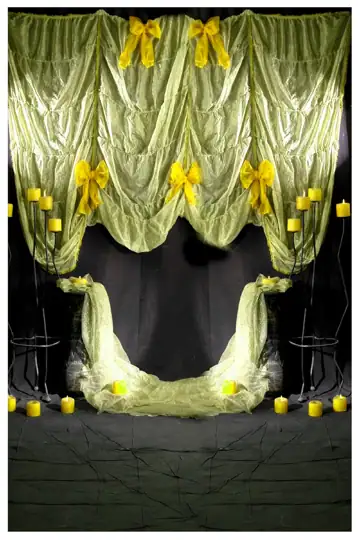
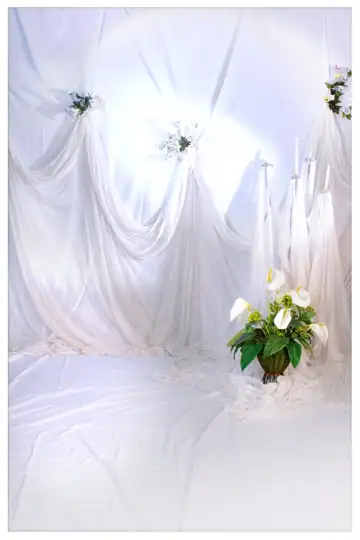
Studio Background PSD in Royal Floral Border Style – free Studio Background PSD download
Studio Background PSD#psd-5851
★ Free PSD · No login

Studio Background PSD in Royal Floral Border Style

Design #5851 · 576x864 pixels · 72 DPI · 58.95 MB · Studio Background PSD

Design ID#psd-5851
CategoryStudio Background PSD
File TypePSD Layered Photoshop (ZIP)
License✓ Free · personal & client work
📐 576x864 pixels 🖨️ 72 DPI 💻 Adobe Photoshop CC 💾 58.95 MB
Download PSD — FreeNo login · 58.95 MB · Google Drive
Share:
Want 14,000+ premium PSDs? Get TamilPSD Pro50 PSD downloads a day · from ₹189 for 28 days · UPI, cards & netbankingSee Pro plans →
🔤
Software
Adobe Photoshop CC or newer
📥

How to Download

  1. Click Download PSD above
  2. Wait a few seconds for the secure Google Drive link
  3. If Drive shows a virus-scan notice, choose Download anyway
  4. Extract the ZIP and open the PSD in Adobe Photoshop CC — see our album design guides
⚠️

Download not starting? Try again. Broken link? Contact us.

📝 About this design

Give your client album a polished finish with this studio background psd in royal floral border style Photoshop file. Background, ornaments and text are grouped separately for quick edits. Suitable for digital labs, album designers and freelance photographers. Size: 576x864 pixels at 72 DPI, RGB colour, about 58.95 MB. Free download, no login needed. Tip: save a flattened JPG copy for the print lab and keep the PSD for edits.

🖨️ Print & usage tips

At 72 DPI this 576 × 864 pixel file prints at about 8 × 12 inches (20.3 × 30.5 cm). The ZIP is 58.95 MB and opens in Adobe Photoshop CC with all layers editable.

More in Studio Background PSD · Guide: Album design guides