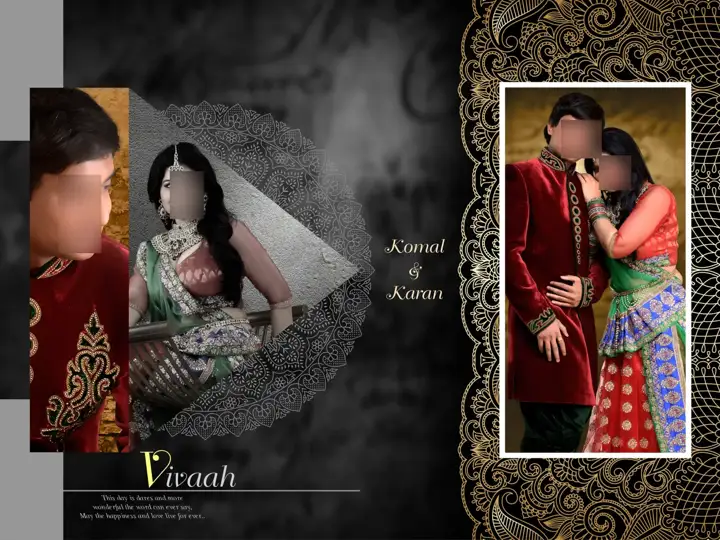
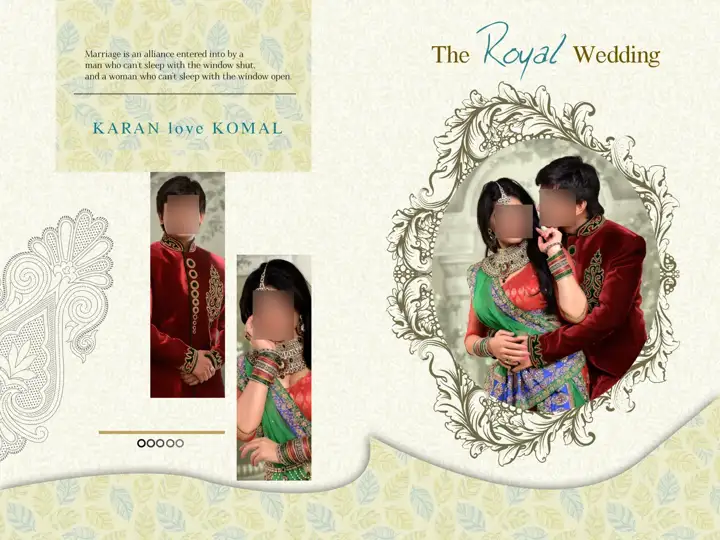
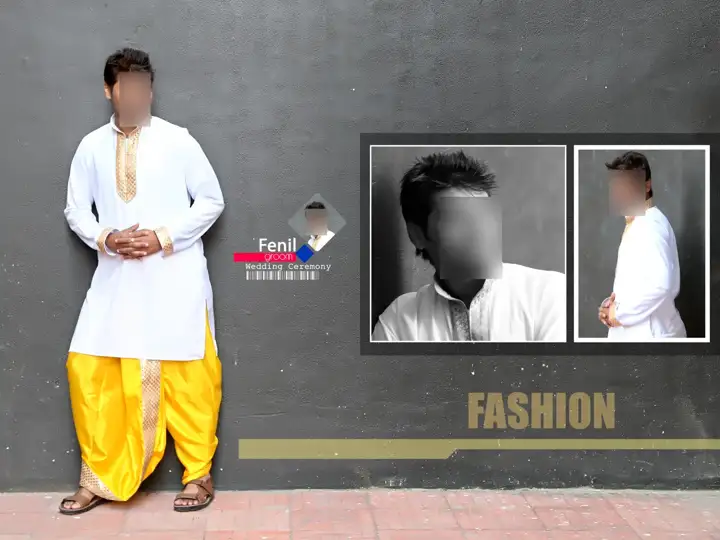
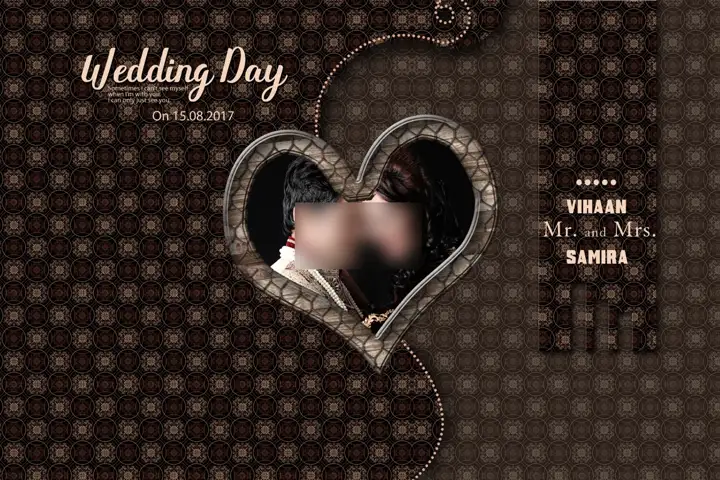
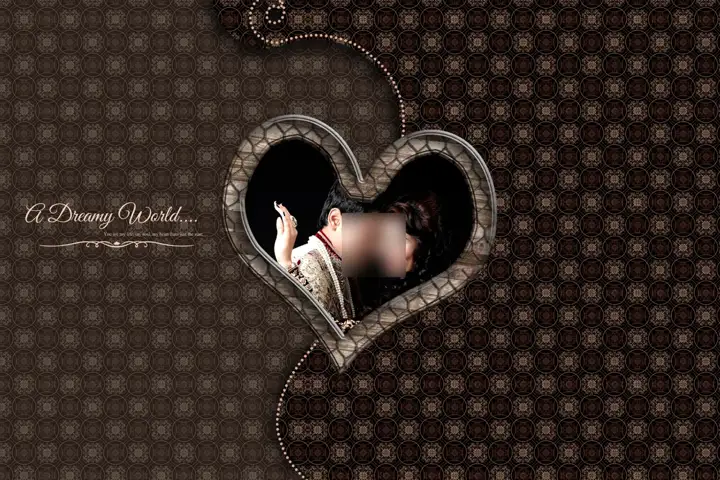
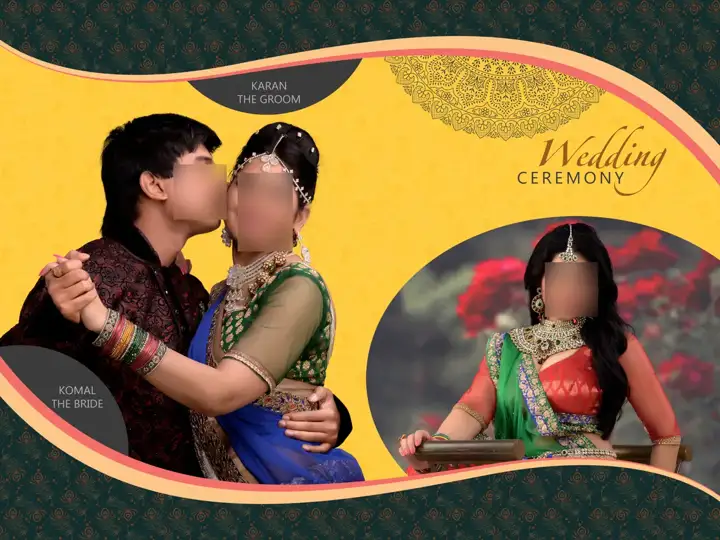
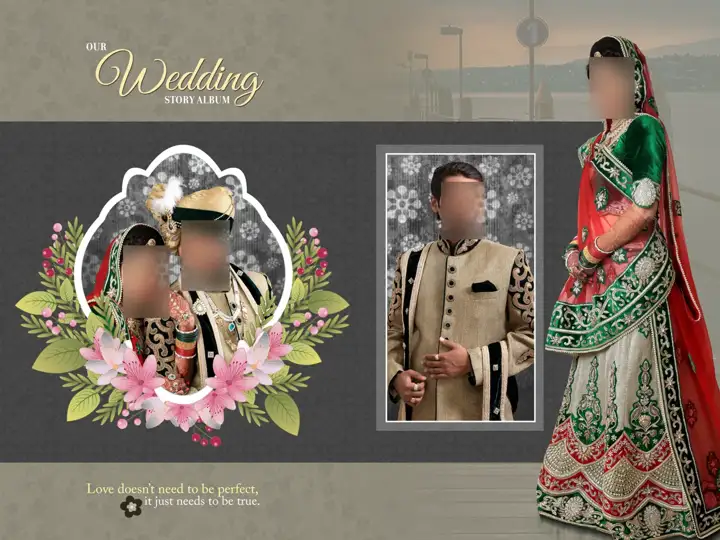
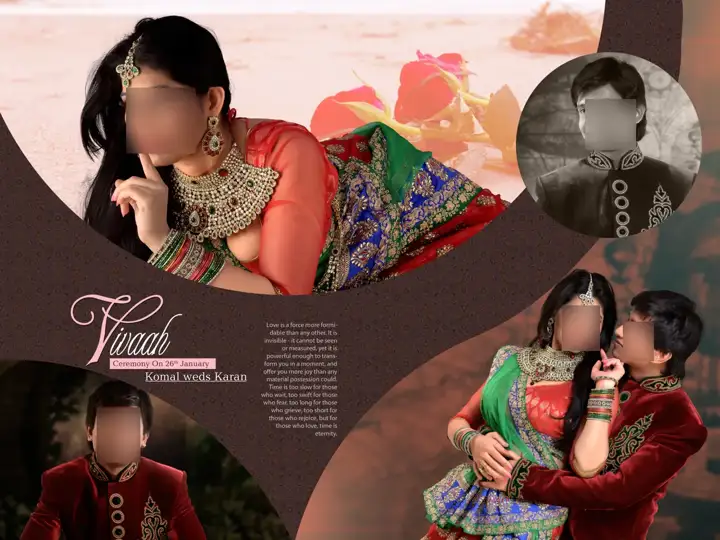
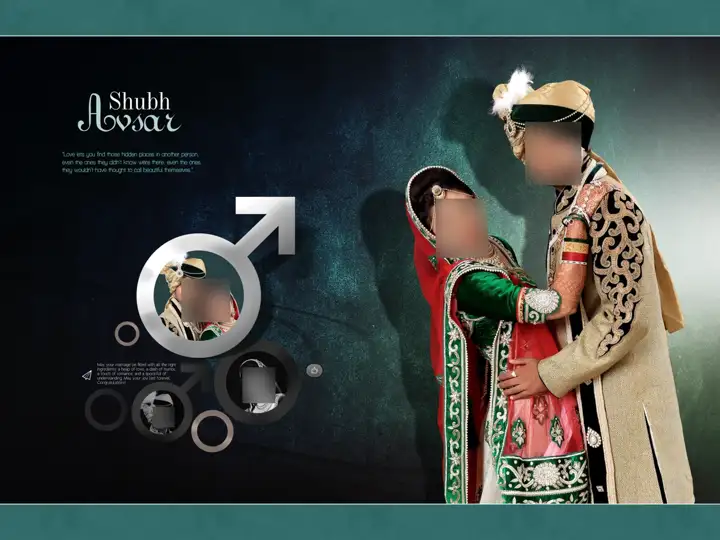
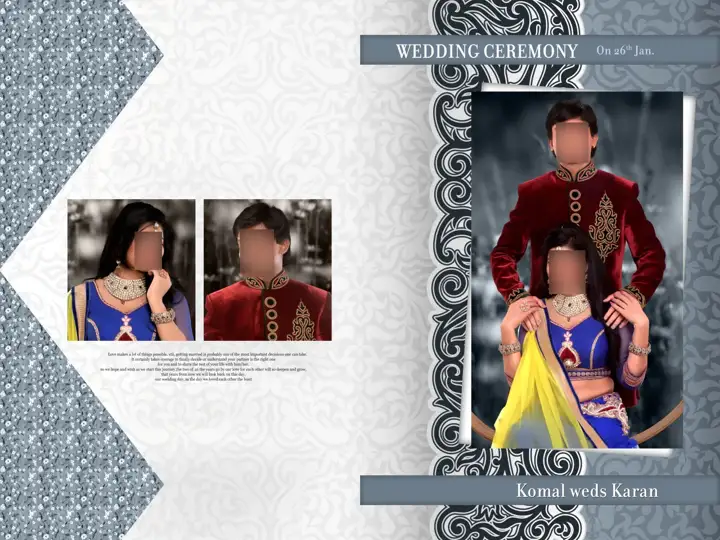
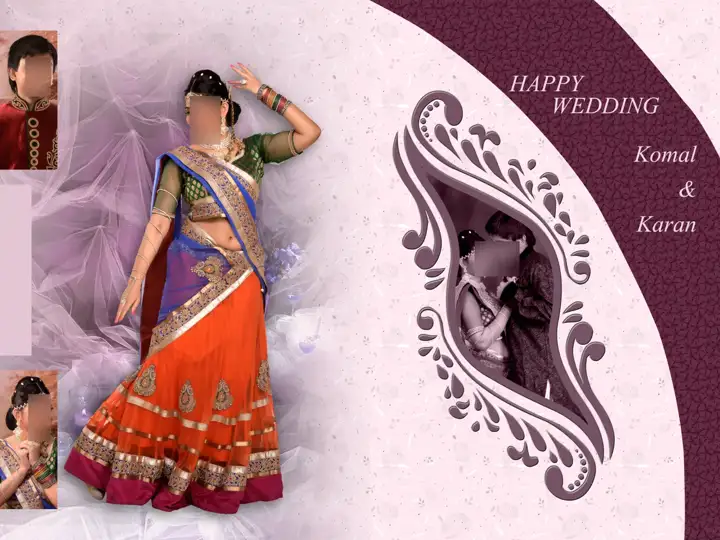
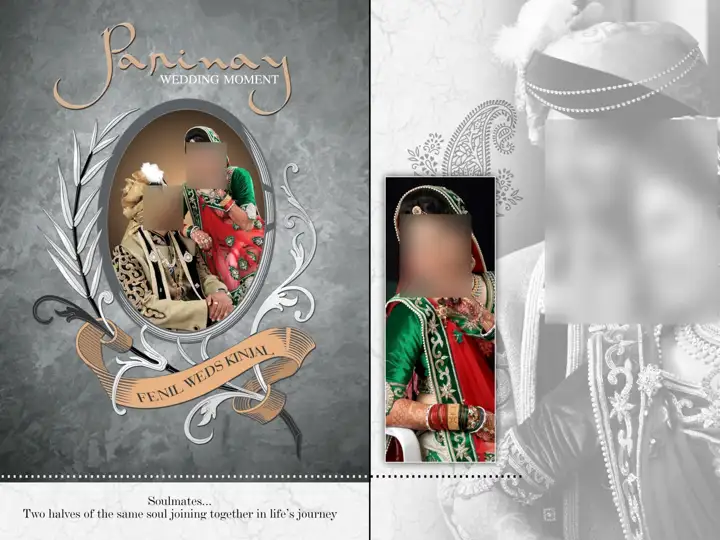
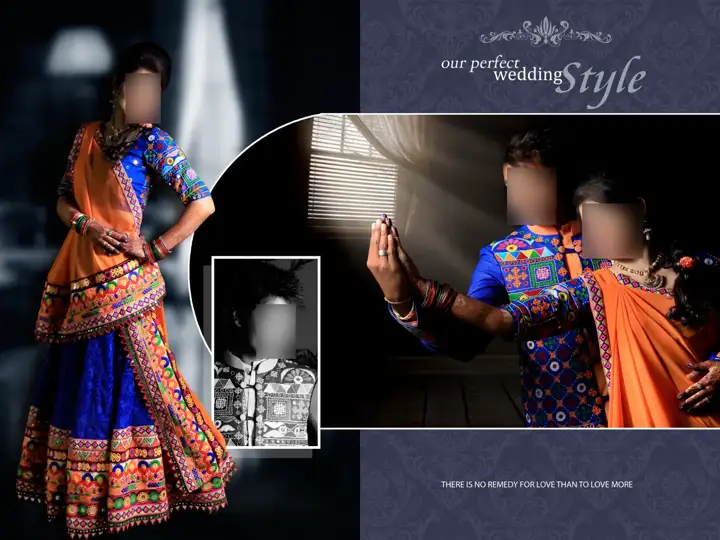
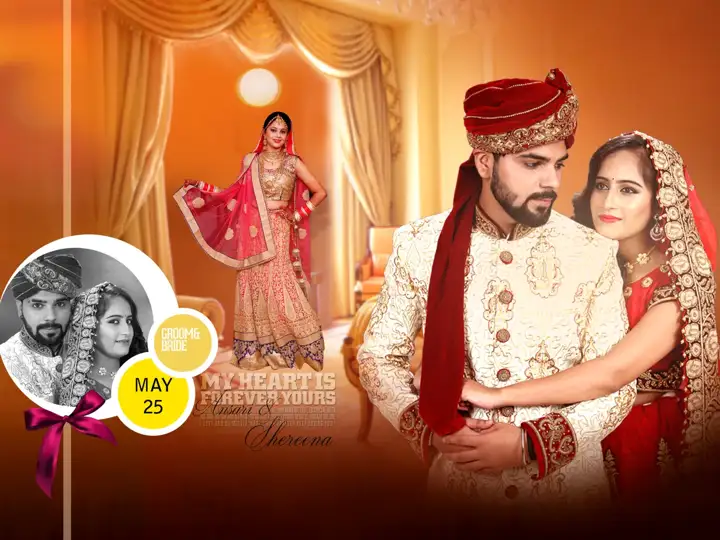
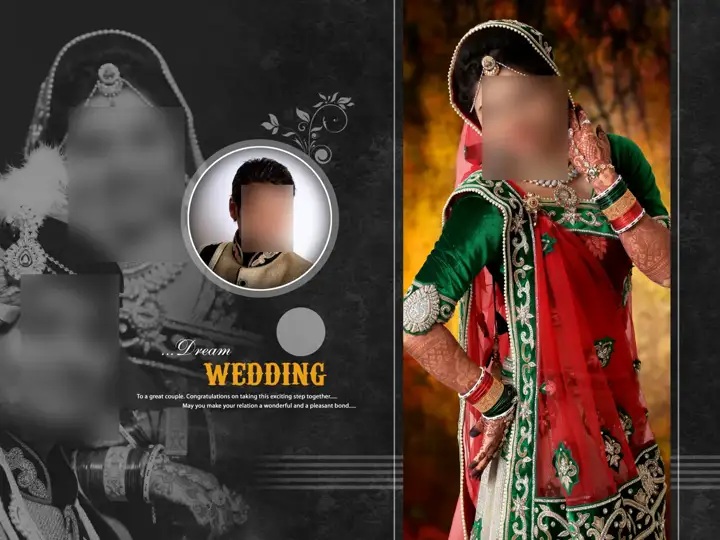
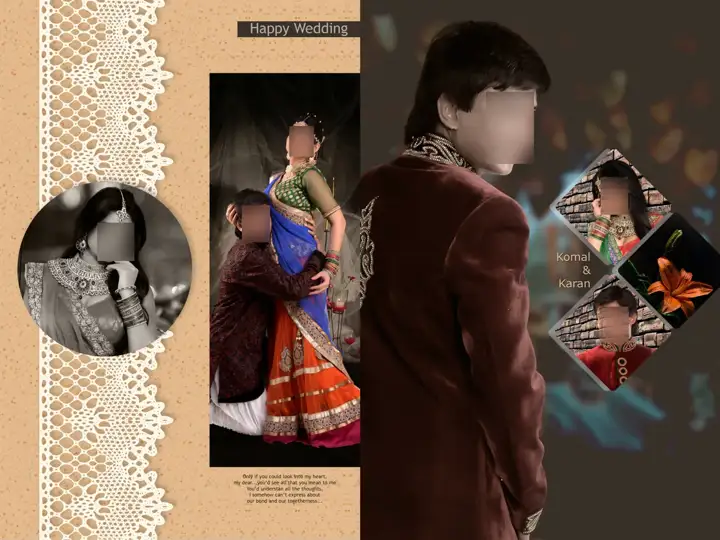
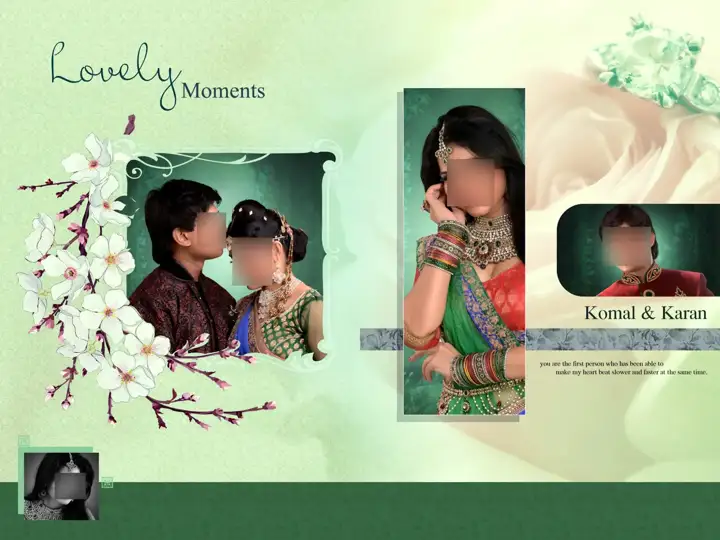
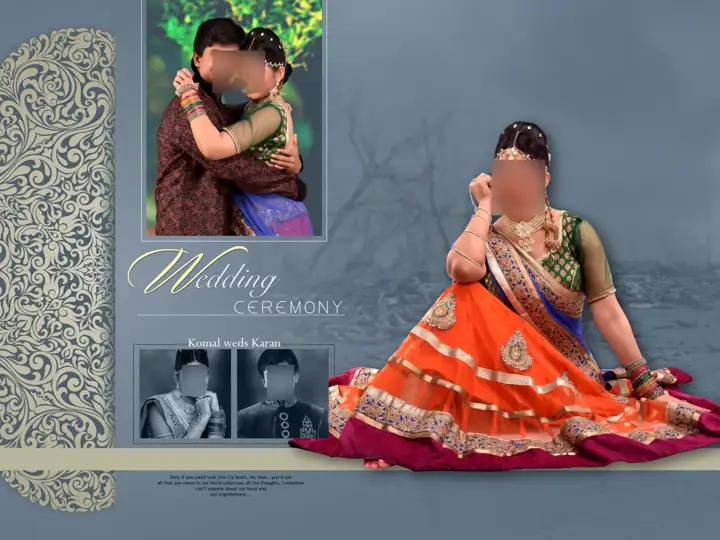
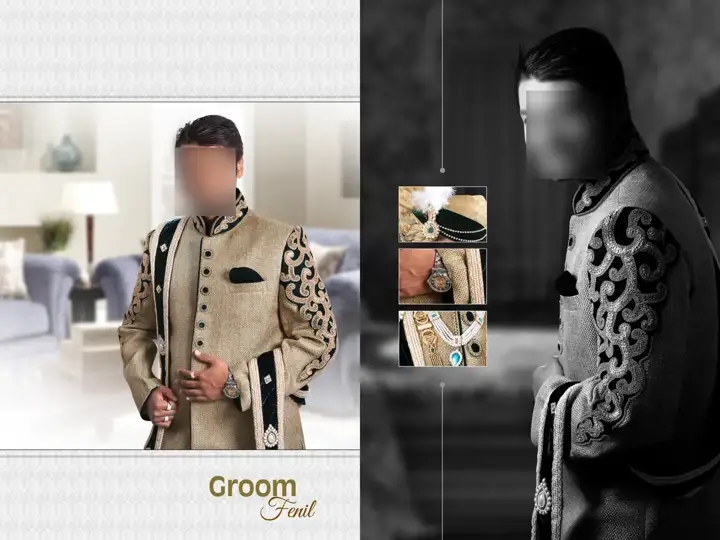
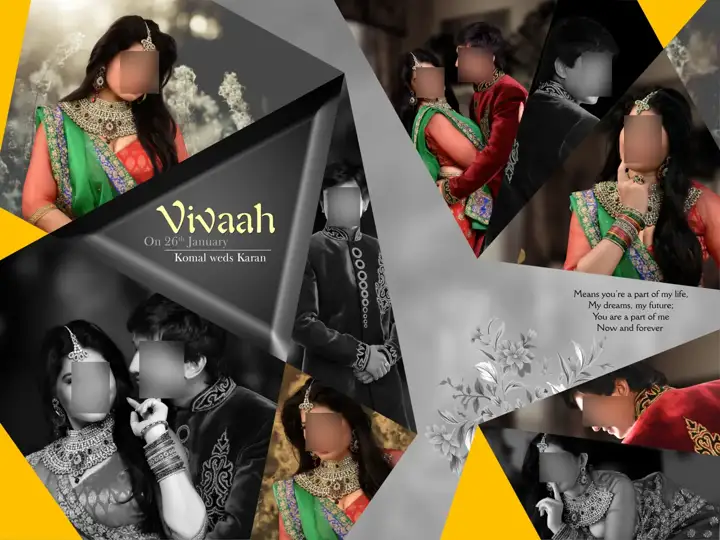
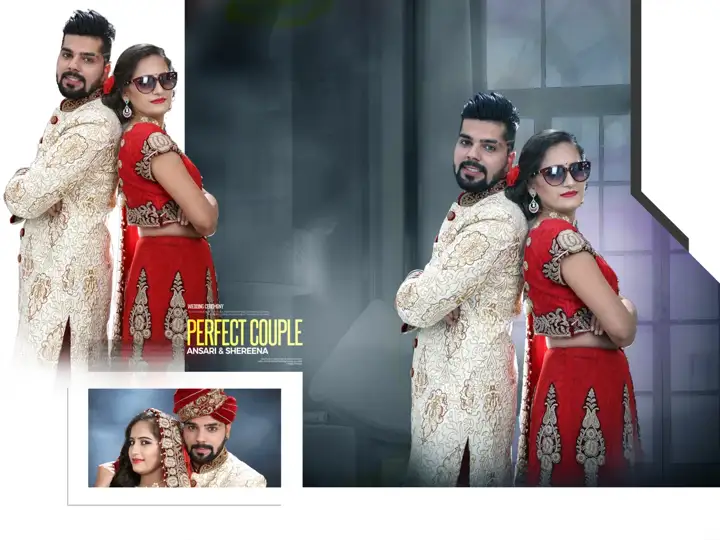
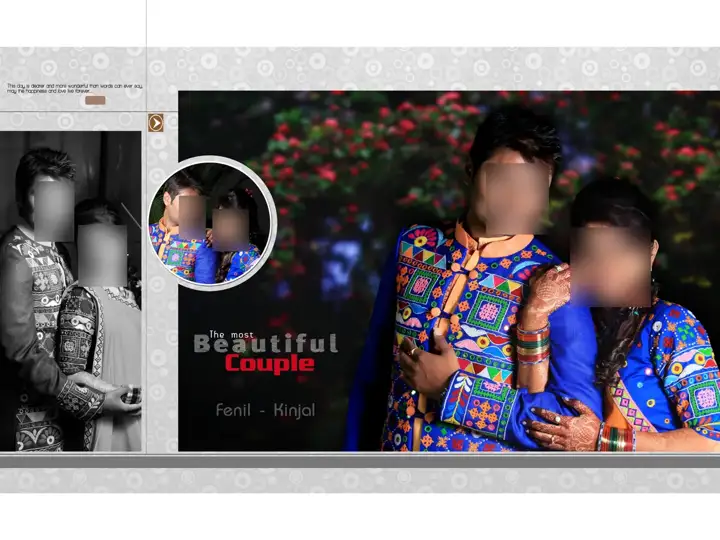
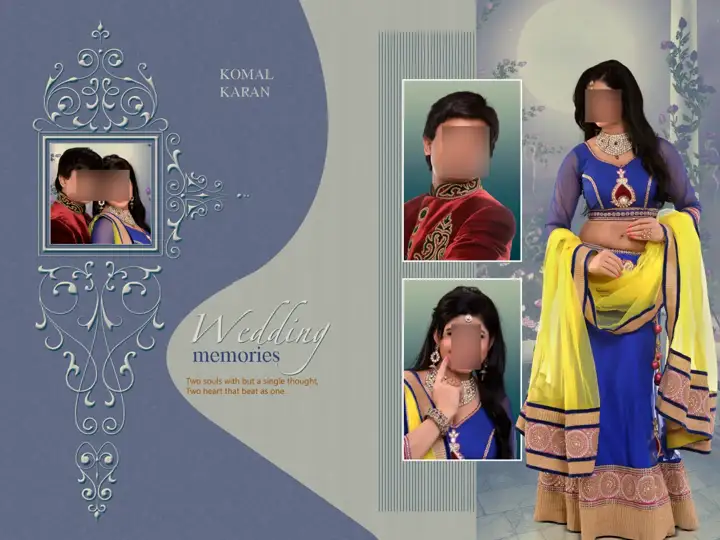
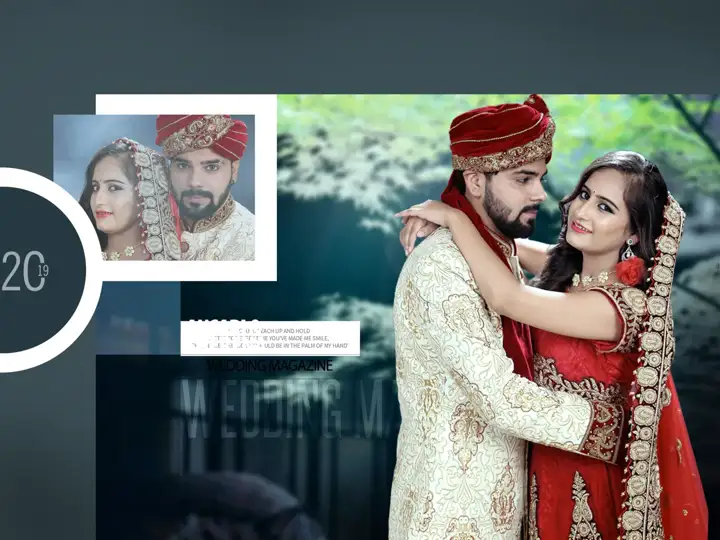
The cover is the first thing a client sees and touches. These album cover PSD designs combine a strong couple portrait area with clean typography for names and dates.
This page brings together 489 free album cover psd designs, sorted with the highest-quality previews first. Each design opens on its own page with a full preview, specifications and a direct free download.
Why designers choose these album cover psd files
Most free album cover psd posts online bundle 10 to 30 files behind a password-protected ZIP. Here every design has its own page with a full uncropped preview, exact pixel dimensions, DPI and file size, so you know exactly what you are downloading before you click. There is no password and no login.
Specifications at a glance
These album cover psd designs are prepared for 12x18 and 12x36 printing. Most files are 200 or 300 DPI in RGB colour, which is what most Indian digital labs expect. Check the dimensions on each design page before you start: a 12x36 spread at 300 DPI is 10800x3600 pixels, while at 150 DPI it is 5400x1800 pixels. Keep faces and names at least half an inch away from the centre fold and the trim edge.
How to edit a album cover psd file in Photoshop
1. Download the ZIP and extract it with your system tool or 7-Zip. 2. Open the PSD in Adobe Photoshop CC. 3. Drag your photo onto the document, place it directly above the frame layer and press Alt+Ctrl+G (Option+Cmd+G on Mac) to clip it. 4. Resize with Ctrl+T, then edit names and dates with the Type tool. 5. Recolour ornaments with Hue/Saturation adjustment layers so the original artwork stays untouched. 6. Save a flattened JPG at full resolution for the lab and keep the PSD for corrections.
Tips for a better album cover psd album
Choose layouts that match the photos you actually have. A spread with six small frames looks busy if your best images are wide shots. Keep one consistent font pairing across the album, and use the ornaments sparingly; hiding half the decorations often makes a template look more premium.
Printing and file preparation
Ask your lab for its preferred format before export. Most labs accept high-quality JPG in sRGB; some prefer TIFF or a specific colour profile. Leave the bleed your lab recommends (usually 0.125 to 0.25 inch), flatten a copy for print and archive the layered PSD so reprints and client changes are easy.
Who these designs are for
These designs are made for wedding photographers, album designers, photo studios, digital labs and freelancers who design albums for clients. Beginners can learn layout from them, and experienced designers can use them as a quick base and customise the details.
Frequently asked questions
Are these album cover psd files really free?
Yes. Every album cover psd design on PSD Album is free to download. There is no login, no signup and no ZIP password.
What size are the album cover psd designs?
They are prepared for 12x18 and 12x36 printing. The exact pixel dimensions, DPI and file size are listed on each design page.
Which software do I need?
Adobe Photoshop CC is recommended. Any editor that supports layered PSD files can open them, but clipping masks work best in Photoshop.
How do I replace the photos?
Place your photo above the frame layer and press Alt+Ctrl+G (Option+Cmd+G on Mac) to clip it into the mask, then resize it with Ctrl+T.
Can I use these designs for client albums?
Yes, you can use them for personal projects and studio client work. Reselling or re-uploading the PSD files as template packs is not allowed.
Why does Google Drive show a warning?
Large ZIP files cannot be virus-scanned by Google Drive, so it shows a notice. Choose "Download anyway" to continue.